Accessibility test bed
A small field guide to apples
Four varieties, two carousels, and nothing else competing for focus. The page stays plain on purpose, so tab order, focus position and screen reader output are easy to follow while you test.
Four varieties
Tab to the arrows or the slide dots, then press Enter or Space. Focus should stay on the control you pressed.
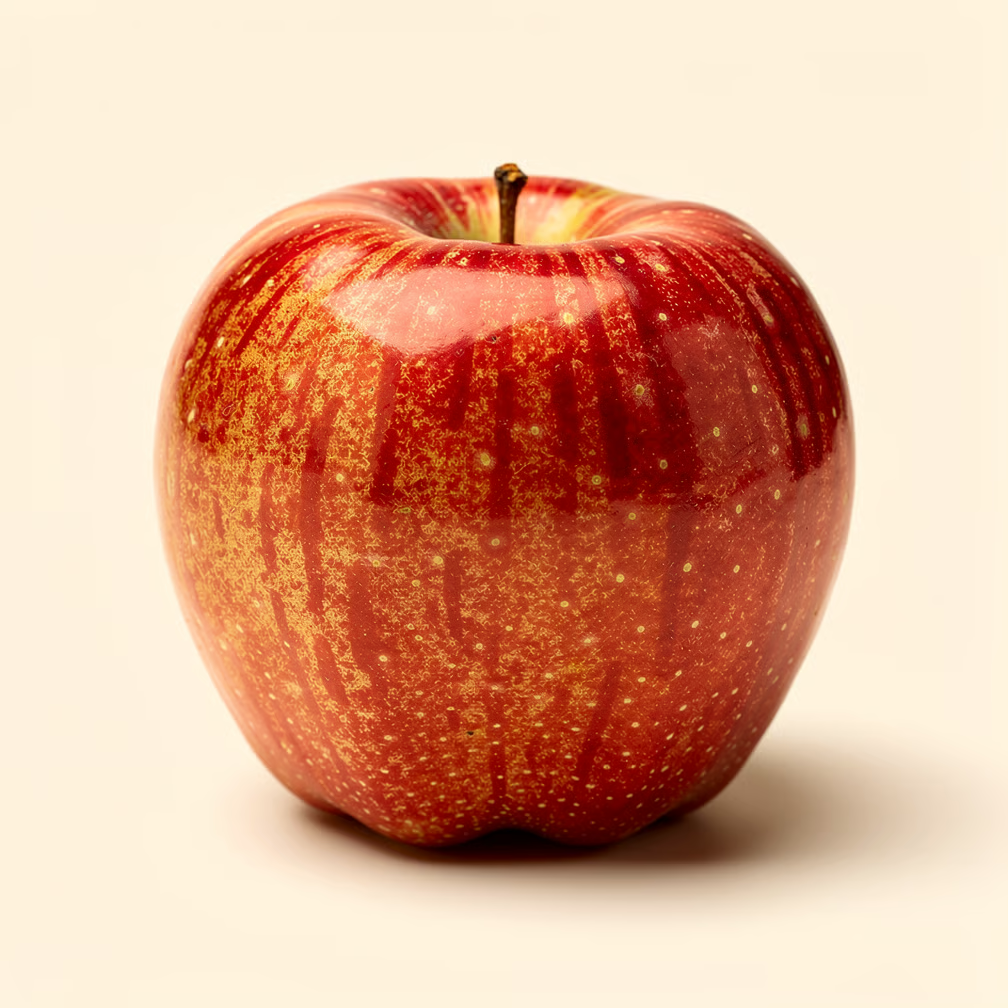
Slide 1 of 4
Honeycrisp
Bred at the University of Minnesota and released in 1991. Its cells are unusually large, so they burst rather than shear when you bite, which is where the noise comes from.
Picked late September · Sweet, low acid
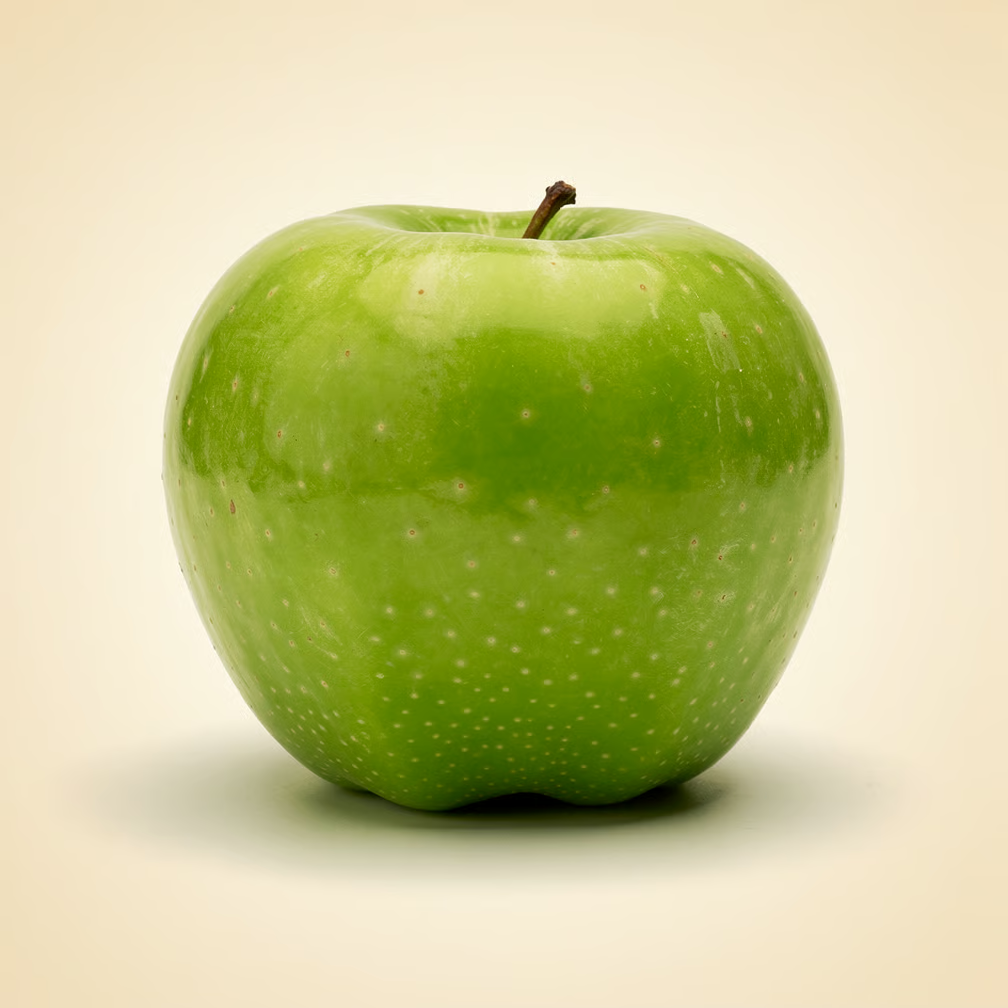
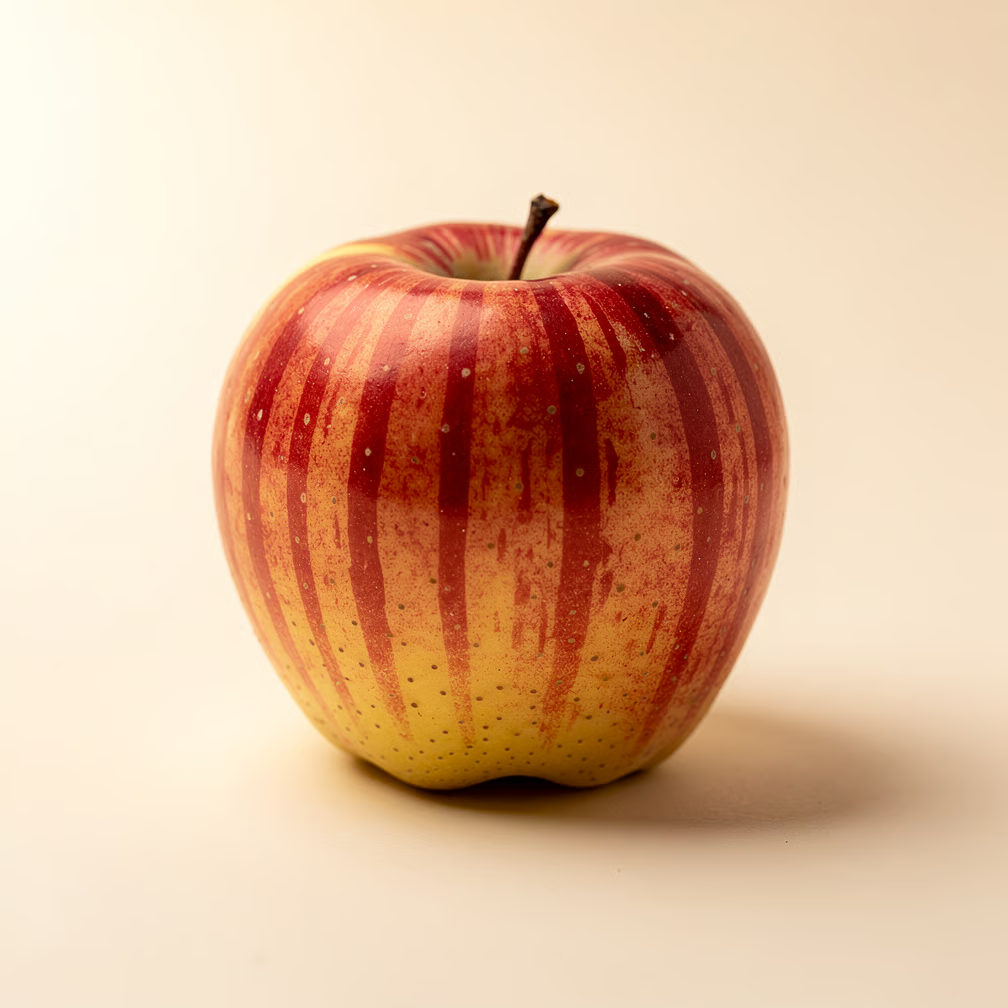
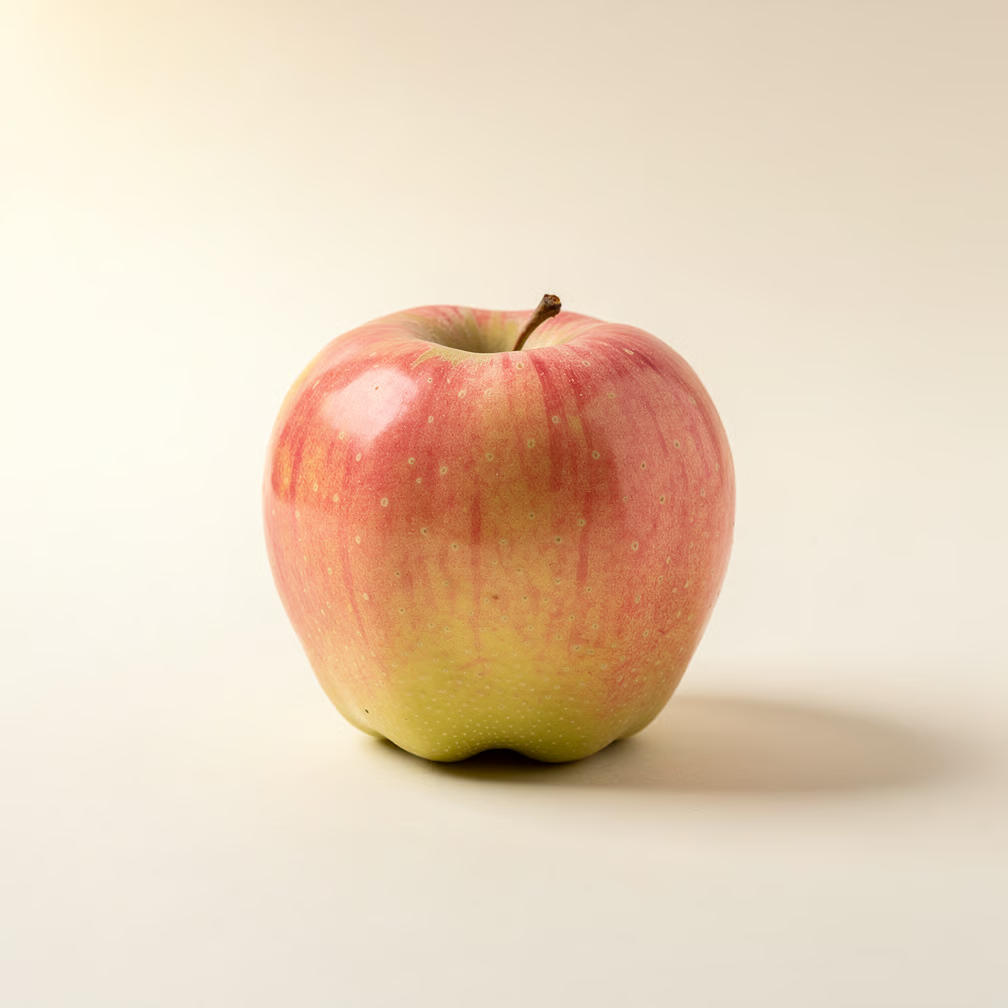
Keeping them
This set rotates on its own every few seconds. It should settle while a pointer rests on it, and while focus is anywhere inside it.
Note 1 of 3
Cold and a little humid
Apples give off ethylene, which speeds up their own ripening. A fridge drawer at 0 to 4 °C with a loosely closed bag holds them for weeks instead of days.
Cooking with them
This set does not loop. On the first slide the previous arrow should be dimmed and announced as disabled, and the same for the next arrow on the last slide, with the control staying in place so the layout does not shift.
Method 1 of 3 · first slide
Baked whole
Core a Braeburn, leave the base intact, fill it with butter and brown sugar, and bake at 180 °C for 35 minutes. The skin holds the fruit together as the inside collapses.
What to check
Keyboard
Tab reaches both arrows and every dot
Enter and Space both move the slide
Focus stays on the control you pressed
No hidden slide collects a tab stop
At the ends of the non-looping set, the dimmed arrow reads as disabled
VoiceOver
Arrows announce as buttons with their labels
The visible slide reads in heading order
Hidden slides cannot be reached by rotor or arrow keys
The dot for the current slide reads as selected
NVDA
Browse mode skips the inactive slides
Each control is announced once, not twice
A slide change is announced without stealing focus
The rotating set pauses while focus sits inside it