Flex
New
The Noun Project
New in Flex
Millions of icons.
Now inside Flex.
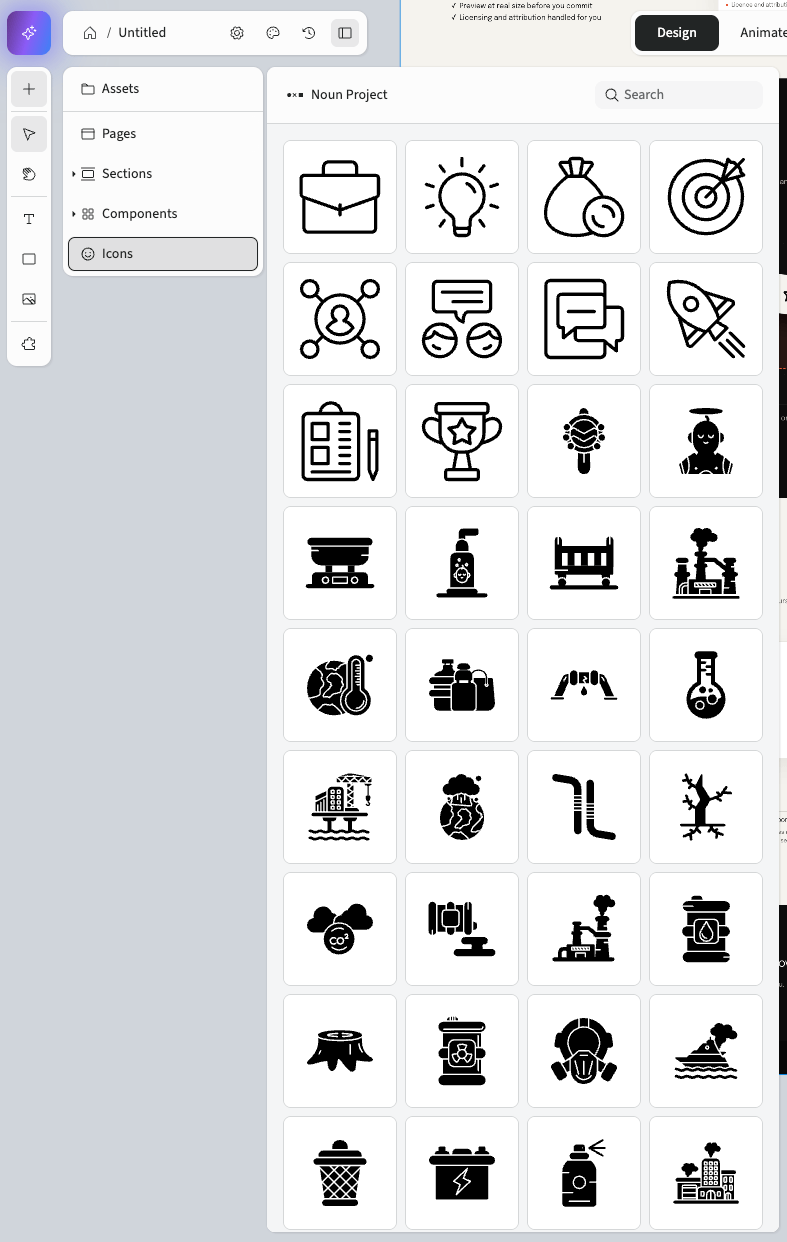
The Noun Project library lives under Icons in your Assets panel.
Search it, preview results in place, and put them straight to work,
licence and attribution handled for you.
Drag and drop
Drag it straight on.
LIVE NOW IN FLEX
Sections, buttons and Noun Project icons, dragged from the panel and dropped where you want them.
Once it is on the page
Every icon is a real layer.
Not a flat image you have to live with. Recolour it, resize it, reposition it and set it per breakpoint, exactly as you would any other layer on the canvas.
As it arrives
Recoloured to your brand
Sharp at any size
Scale it up as far as the layout needs and the edges stay crisp. No pixelation, no raster artefacts.
Recolour in one click
Swap the icon’s colour for one of your brand styles, the same way you fill a shape.
Set per breakpoint
Give it its own size and position on desktop, tablet
and mobile.
Five million icons, already in Flex. The easiest way to reach them is nearly here.
The Noun Project is live now under Icons in your Assets panel. Drag and drop for sections, buttons and icons lands within days.
Flex — The Noun Project integration
Ceros